Every enterprise AI demo makes the future of construction look effortless: autonomous agents deciding whether to bid a job, checking if a subcontractor is stretched too thin, and forecasting project margin in real time.
Those capabilities are possible, but if Salesforce remains an island in your tech stack, your agents are dead on arrival.
Salesforce sits isolated in commercial construction because it has never been the center of operations. It tracks the pursuit, but pricing, staffing, and margins live in your estimating tools, ERP, and field software.
Making AI functional means connecting those outside systems to your pipeline so an agent isn’t evaluating opportunities in a vacuum. For enterprise systems teams and Salesforce leaders, this is the single best opportunity you have had to step out of the business development corner and lead the technology roadmap.
The Three Data Silos in Construction: CRM, ERP, and the Field
To understand why agents stumble, look at the three disconnected environments that run every firm:
Room 1: Pipeline & Pursuits (Salesforce)
This is where business development lives. It manages client relationships, prequalification tracking, incoming RFPs, bid deadlines, and proposal history. It answers: What work is out there, who is buying it, and when is the bid due?
Room 2: Cost & Commitments (Estimating & ERP platforms like CMiC, Sage/Timberline, or SAP)
This is where financial risk is calculated and tracked. It houses historical unit costs, current buyout rates, labor burden, subcontractor pricing history, and actual job costs against the general ledger. It answers: What does this work actually cost to build, and did we make money the last time we did it?
Room 3: Field Operations (Project management tools like Procore or Autodesk Construction Cloud)
This is where delivery happens. It tracks lookahead schedules, superintendent assignments, trade partner bandwidth, site logistics, and change order frequency. It answers: Do we have the superintendents and trade capacity to build this on time without blowing up active jobs?
Today, preconstruction and operations teams bridge these rooms by hand. They compare notes in weekly pre-bid meetings, trade spreadsheets, and call superintendents to ask who is freeing up.
An agent built inside a standalone CRM only has a key to Room 1. It evaluates opportunities purely on relationship history and pipeline stages, blind to whether estimating can price them safely or the field has the capacity to build them.
Connecting those rooms brings the real numbers into one place before anyone decides to bid.
Overcoming Construction Data Paralysis: Four Questions Before Integrating AI
The moment you suggest connecting these systems, you will hit a wall. The most common roadblock to starting with AI in construction is data paralysis: “Our data is a complete mess, so we can’t do anything until we clean it up.”
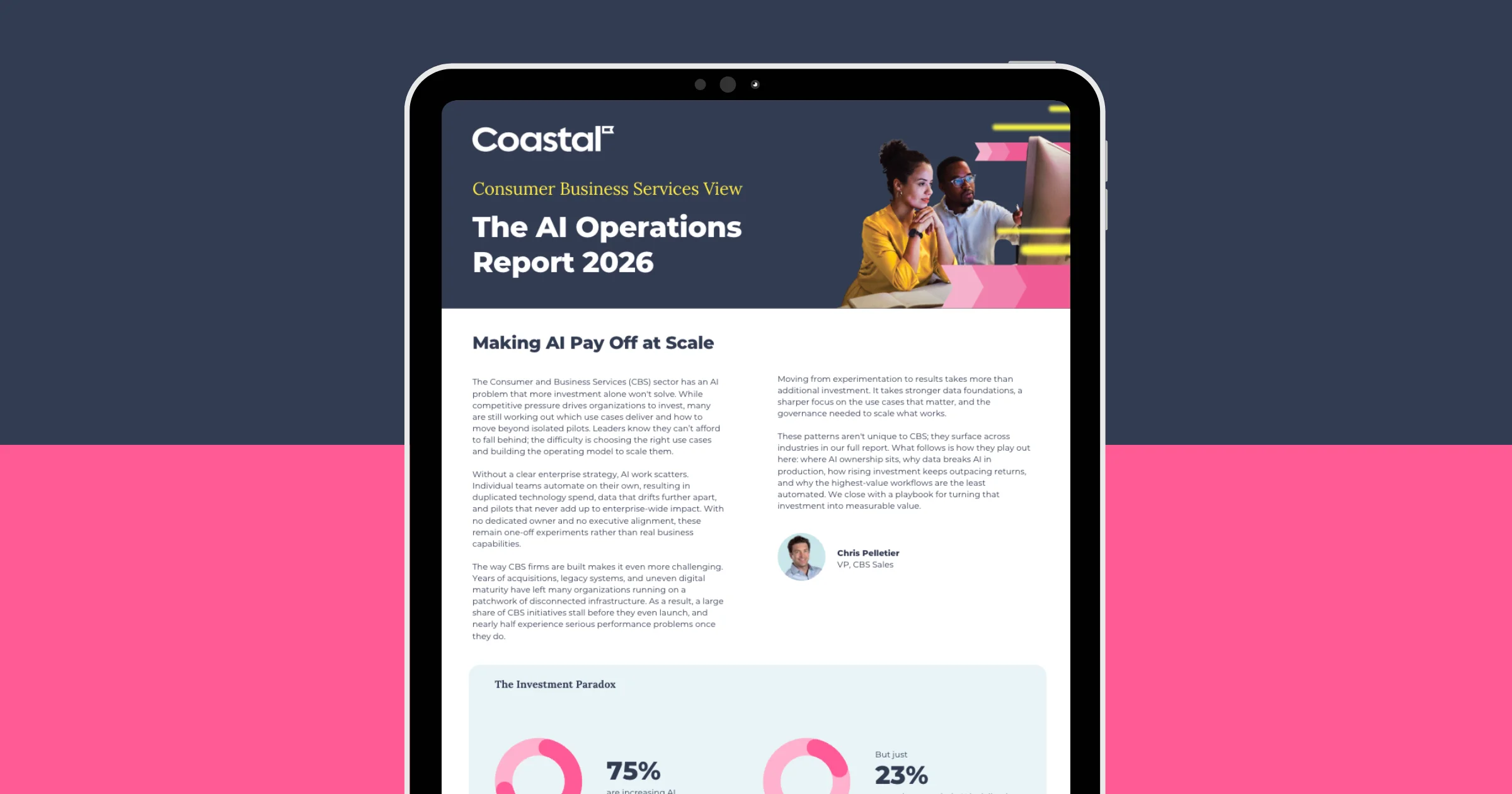
The hesitation makes sense. In Coastal’s 2026 AI research, 72% of organizations point to data challenges when AI programs stall or fail.
Trying to clean twenty years of historical job files across an entire enterprise guarantees you never start. You don’t need an immaculate data warehouse to make an agent functional today. You just need answers to four straightforward questions about a single workflow:
- Does the data exist? Almost always, yes. It is sitting in a field tool, an ERP ledger, or a subcontractor’s bid. If a critical data point truly isn’t captured anywhere, an AI agent cannot invent it. You have to solve the operational habit before you try to automate it.
- Can we reach it? Determine how the data gets in. Is it a live API, a scheduled sync, or a flat-file export? Each carries a different level of effort, and you need to know how much work it takes to open the door before you design an agent workflow.
- Is it current enough? Even with an open connection, an agent is only as reliable as how often the source data updates. In preconstruction, data quality is fundamentally a recency issue. If a supplier updates pricing this morning, but Salesforce relies on a 14-day-old manual upload, the agent acts on obsolete numbers. Timestamp records so the agent knows whether a price is still viable, and consider web forms or OCR tools to capture quotes the moment they arrive.
- Who owns what it means? In most construction firms, “margin” means three different things depending on whether you ask sales, estimating, or accounting. Software cannot settle that disagreement for you. Agreeing on what your numbers mean is a basic management decision to make before automating anything.
Answer those four questions for a single process, and the paralysis goes away.
A Three-Phase Roadmap for Connecting Salesforce AI to External Data
With that clarity in hand, you can start building across three practical phases.
Phase 1: Validate Inside Salesforce (Weeks 1 to 4)
Start where the mistakes stay inside the building. Turn on an agent like Agentforce Coworker in a sandbox environment using the CRM data you already have in Salesforce. Test it on everyday internal tasks: summarizing an account before a call, drafting follow-up emails, or pulling up historical bid notes.
This stage requires no external integrations, no new budget, and no permissions battle with the accounting team. It gives your team a controlled look at what agents can and cannot do before you hook them up to live job costs.
Phase 2: Connect One External ERP Data Stream (This Quarter)
Pick one repetitive task where your team currently leaves Salesforce to chase down information in another system.
Take historical buyout costs as an example. You have three practical ways to give an agent access to those numbers:
- Direct sync: Use a connector to copy ERP data straight into Salesforce fields. The agent reads the numbers just like any other standard CRM record.
- Zero copy: Connect external cost tables through Data Cloud. The agent reads live numbers directly from the source system without duplicating storage in your CRM.
- On-demand query: Point the agent at your ERP through an API or an open protocol like MCP. The agent reaches in and pulls a specific project record only when someone asks for it.
Once that connection is in place, the agent pulls unit costs from similar completed jobs the moment an RFP lands in Salesforce. The pursuit team gets baseline numbers without digging through old files, and preconstruction avoids spending time pulling rough benchmarks for jobs you might not even chase.
Phase 3: Orchestrate CRM, ERP, and Field Data (Full Context)
Connecting one data stream speeds up research. Connecting Salesforce, your ERP, and your field tools lets an agent check whether you actually have the people, budget, and time to take a job on.
When an RFP lands in Salesforce, the agent checks the proposed scope against current buyout rates in your ERP and active job assignments in your field software. It flags potential roadblocks immediately, such as a start date that conflicts with superintendent availability, or trade partner pricing running well above historical averages.
That gives your team the facts to catch pricing and capacity risks while you still have time to price them in or walk away.
Set Expectations Before the Demo Does: Leading the Construction AI Strategy
AI demos make operational automation look effortless. In an executive presentation, it takes thirty seconds to show an agent flagging bid risks and evaluating project opportunities.
What the demo skips is the foundational work: reconciling how cost codes map to pursuit records, verifying how often field commitments update, and making sure the agent has access to actual project history.
When leadership sees those presentations, the expectation is set that agents can be turned on overnight. If a system goes live without that underlying connectivity, it delivers confident, shallow recommendations based only on sales notes, and the technology team is left explaining why the investment missed the mark.
Getting ahead of that conversation requires setting the roadmap yourself.
By delivering a single, focused workflow, you show leadership what a grounded agent actually requires, demonstrate immediate value to preconstruction, and ensure your team leads the technology strategy rather than reacting to inflated promises.
Evaluating Your Tech Stack: The Coastal AI Pathfinder
If you are ready to evaluate your environment, the Coastal AI Pathfinder is a free 60-minute strategy session that pairs a review of your AI use cases with a technical analysis of your Salesforce setup, giving you an executive summary and a clear list of prioritized next steps.